 PJHTech Images
Why does a print cut off part of my photo?
The photo and paper may have different shapes. A fill option enlarges the image until the area is covered, which can push part of the photo outside the print.
Crop or fit
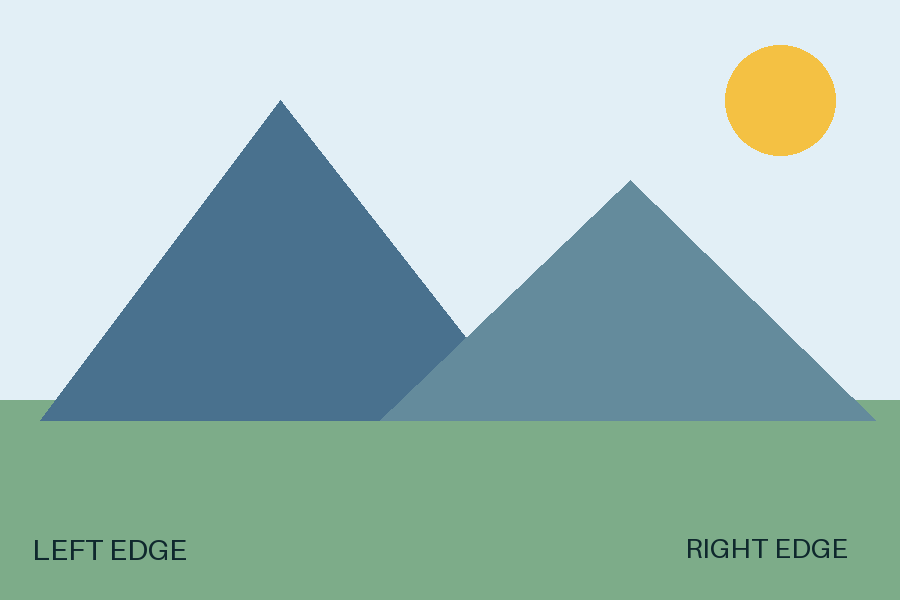
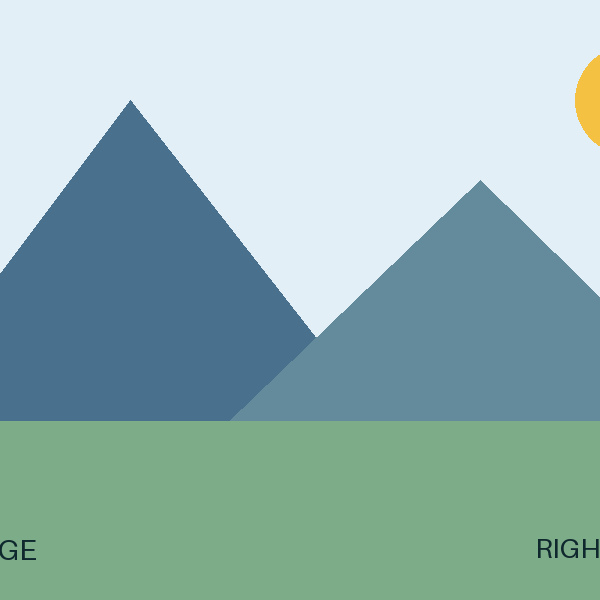
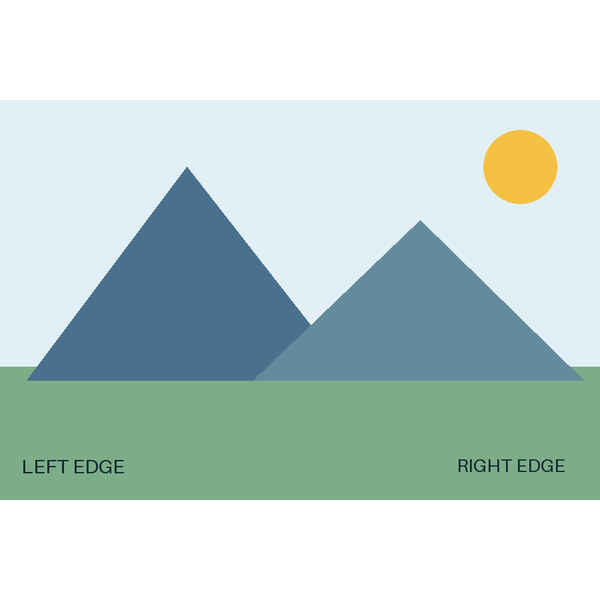
The square crop cuts off the side labels and part of the sun. Fit keeps the whole picture and adds white space above and below.
Settings and measurements
| File | Dimensions | Bytes | Export settings |
|---|---|---|---|
| composition-3x2.png | 900 × 600 | 7,461 | Optimize: True |
| composition-square-crop.png | 600 × 600 | 5,156 | Optimize: True |
| composition-square-fit.png | 600 × 600 | 16,283 | Optimize: True |
Python 3.14.4, Pillow 13.0.0, Platform Linux, Webp 1.6.0, Jpeg 6.2, Avif 1.4.2
Example: 3:2 photo to 8 × 10 print
A landscape 3:2 image does not match a landscape 10:8 print. To fill the print without distortion, part of the width must be cropped. To keep the whole image, leave space above and below.
Check the final preview
Place the crop yourself when the edges matter. Check faces, text and objects near the border. Use the cropped pixel dimensions when calculating the remaining print density.