 PJHTech Images
Resizing, cropping and padding
Resizing changes the pixel dimensions. Cropping removes part of the picture. Padding adds space around it. These operations solve different problems.
Crop or fit
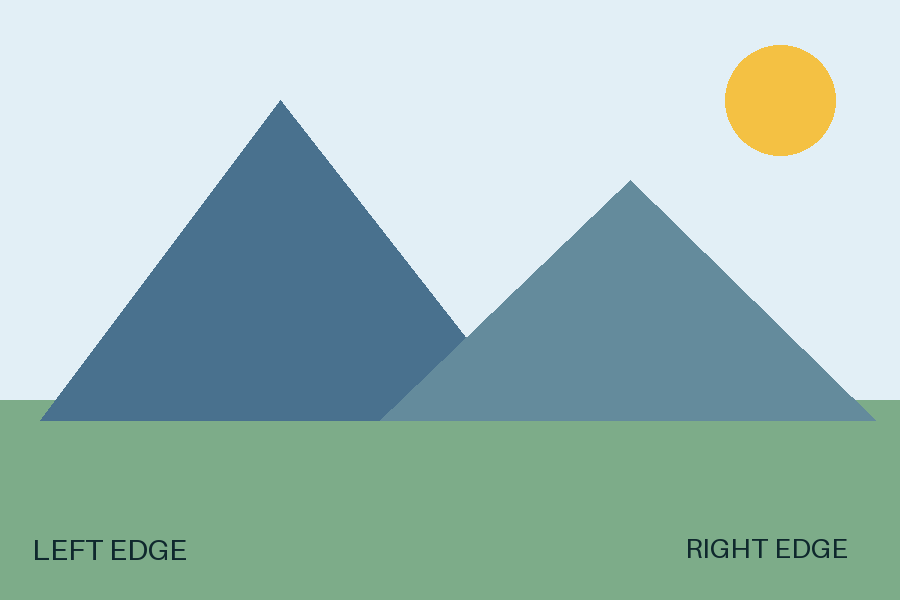
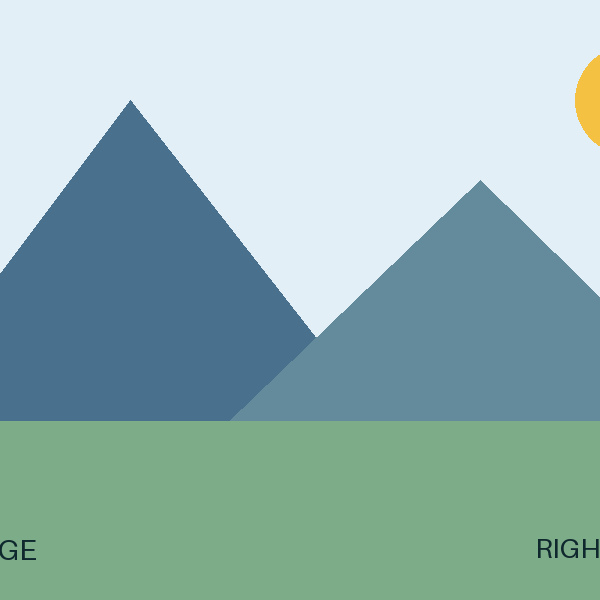
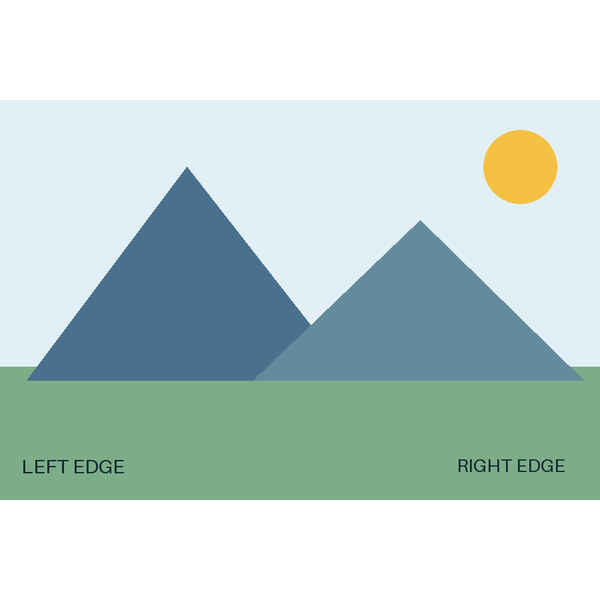
The square crop cuts off the side labels and part of the sun. Fit keeps the whole picture and adds white space above and below.
Settings and measurements
| File | Dimensions | Bytes | Export settings |
|---|---|---|---|
| composition-3x2.png | 900 × 600 | 7,461 | Optimize: True |
| composition-square-crop.png | 600 × 600 | 5,156 | Optimize: True |
| composition-square-fit.png | 600 × 600 | 16,283 | Optimize: True |
Python 3.14.4, Pillow 13.0.0, Platform Linux, Webp 1.6.0, Jpeg 6.2, Avif 1.4.2
| Goal | Use |
|---|---|
| Make the same composition smaller | Resize with the aspect ratio locked. |
| Fill a different shape | Crop, then resize if needed. |
| Keep the whole picture in a different shape | Fit the picture and add padding. |
Check before saving
Compare the result with the original. Look for cut-off faces, stretched circles and missing labels. Save to a new file so you can change the choice later.